
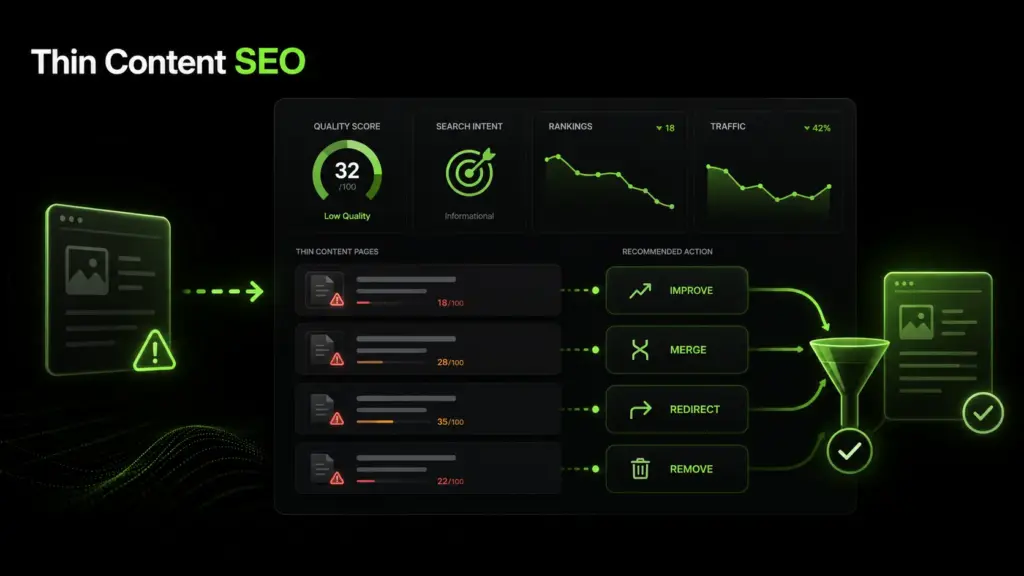
Thin content SEO is the process of finding, evaluating, and improving pages that offer little value to visitors or search engines. A page may be considered weak when it fails to answer search intent, repeats information already found elsewhere, lacks depth, or gives users no clear reason to stay.
The goal is not simply to add more words — the goal is to make each page useful, relevant, and worthy of being indexed. Strong pages solve a problem clearly. Thin pages often create confusion, duplication, or disappointment.
What Is Thin Content SEO?
What Counts as Thin Content?
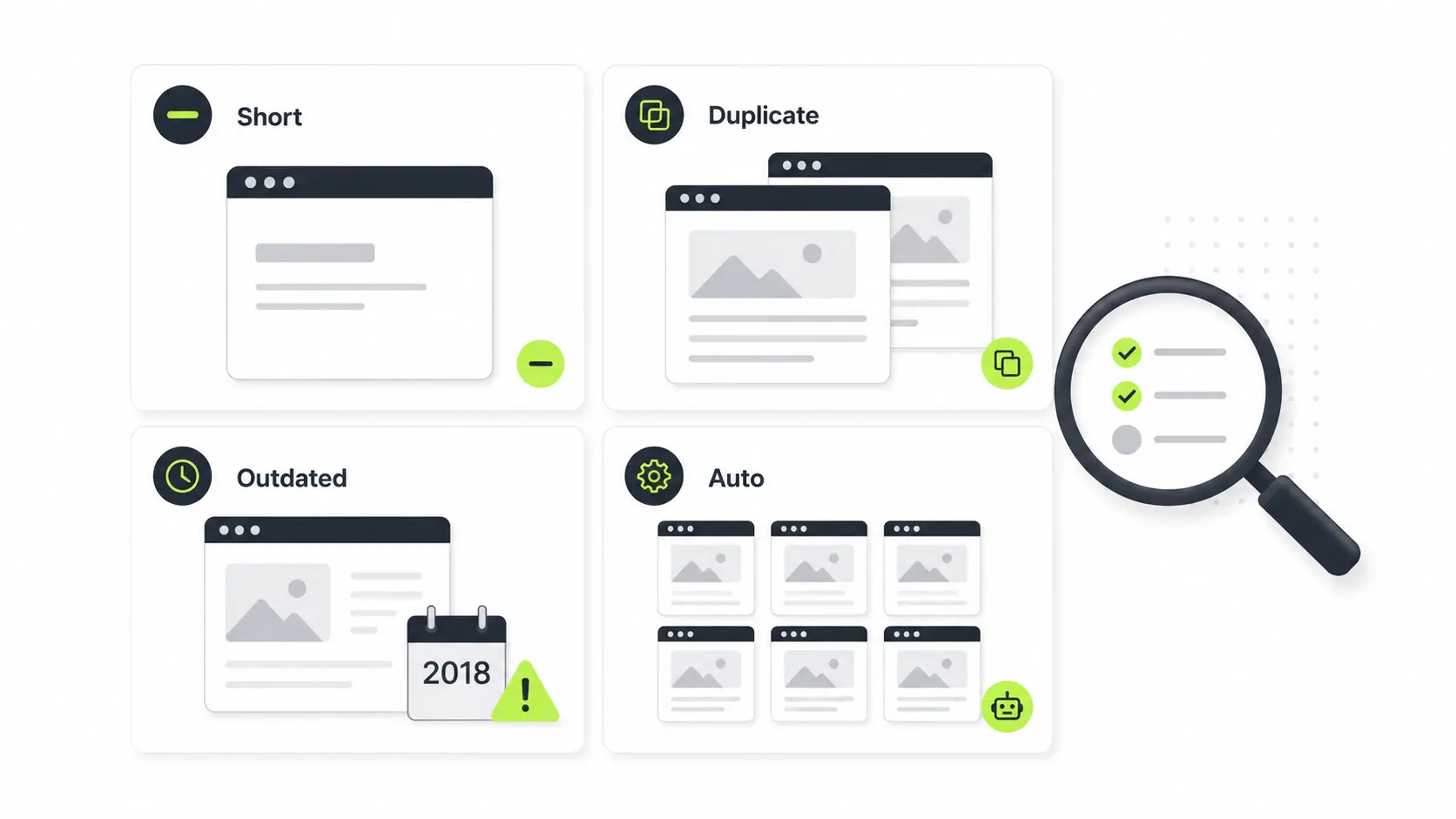
Thin content can include short pages, duplicate pages, outdated posts, automatically generated pages, doorway pages, weak category pages, or service pages with almost no useful explanation. A page does not become valuable just because it has 1,500 words. A 500-word page can perform well if it fully answers a narrow query. A 2,000-word page can still be low quality content if it is repetitive, vague, or written only to target keywords.
Why Thin Content SEO Matters for Website Quality
Search engines evaluate pages individually, but overall site quality also matters. When a site has too many thin content pages, it may look less trustworthy, less useful, and less focused. Fixing weak pages can improve topical authority, crawl efficiency, internal linking, and user experience. It also helps visitors find clear answers instead of bouncing back to search results.
Why Thin Content Can Harm Rankings
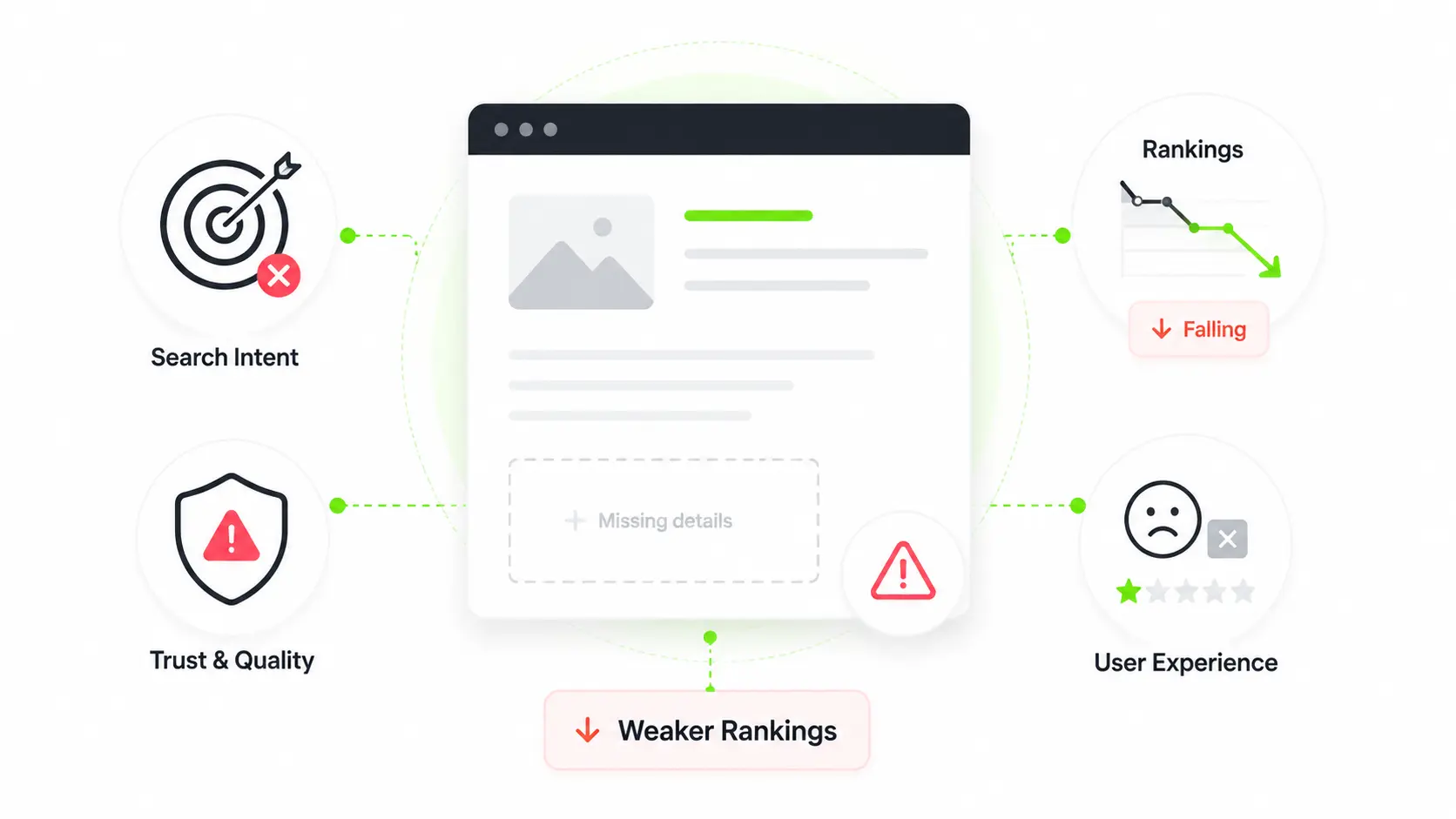
Thin content can harm SEO rankings because it often fails to satisfy the reason someone searched in the first place. If users land on a page and do not get a useful answer, the page is unlikely to build trust or engagement. Search engines want to show pages that are helpful, clear, and reliable — thin pages usually struggle because they lack original value.
Low Quality Content and Search Intent Problems
Low quality content often misses the real purpose behind a search. For example, someone searching for "how to fix thin content pages" does not only want a definition — they want a process: how to find weak pages, decide what to do with them, and avoid damaging rankings. A page that gives only a short explanation without practical steps may technically mention the topic, but it does not complete the task.
How Thin Content Pages Affect User Experience
Thin content pages can frustrate visitors because they often feel unfinished. Users may encounter vague explanations, missing examples, outdated information, or pages that repeat the same point in different words. Poor experience can lead to lower engagement, fewer conversions, weak internal navigation, higher chances of users leaving quickly, and reduced trust in the website.
Common Types of Thin Content Pages
Not every weak page looks the same. Some thin pages are short, while others are long but unhelpful. During a content audit, look beyond word count and judge whether the page actually serves a purpose.
Short Pages With Little Useful Information
Short pages are common on small business websites, ecommerce sites, and blogs with old posts. A thin service page might have only a few sentences about an offer. A thin blog post might define a topic but never explain how to apply it. Short content is not always bad — it becomes a problem when the topic needs more explanation and the page does not provide it.
Duplicate, Outdated, or Automatically Generated Content
Duplicate content can create multiple pages that compete for the same intent. Outdated content can give users old advice, expired statistics, or irrelevant examples. Automatically generated content can produce pages that look different but provide almost no unique value.
- Tag pages with no unique descriptions
- Location pages with copied or templated text
- Product pages using manufacturer descriptions only
- Old blog posts with outdated advice or expired links
- AI-generated pages with generic, repetitive wording
- Search result pages indexed by mistake
These pages should be reviewed carefully before deciding whether to improve, merge, noindex, redirect, or delete them.
How to Identify Thin Content Pages
The best way to identify thin content pages is through a content audit. This means reviewing your URLs, performance data, search intent, and page quality together. Do not rely on one metric alone — a page with low traffic may still be valuable if it supports conversions, internal links, or a niche query.
Use a Content Audit to Find Weak Pages
Start by exporting your website URLs from analytics tools, Google Search Console, and a site crawler. Then group pages by type — blog posts, service pages, category pages, landing pages, or product pages. Review each page for search intent alignment, originality, word count and depth, duplicate or overlapping topics, internal links, organic clicks and impressions, conversions, backlinks, and indexing status. This process helps you separate pages that need improvement from pages that should be merged or removed.
Check Traffic, Rankings, Engagement, and Indexing
A thin page often shows warning signs — it may receive impressions but few clicks, rank poorly for its target keyword, attract no meaningful engagement, or fail to get indexed. Look for pages with low organic traffic, no rankings, outdated information, duplicate titles, weak headings, or no clear next step. Also check whether important pages are being ignored because too many low-value URLs are competing for crawl attention.
Treat data as a starting point, not a final verdict. A page may look weak in numbers but still have real value — and that is worth verifying before making changes.
Thin Content SEO Checklist: 10 Steps to Fix Pages
This thin content SEO checklist helps you make safe, structured decisions instead of randomly editing or deleting pages.
Improve Thin Content With Better Depth and Structure
For pages that need stronger structure, clearer messaging, and more useful information, professional content writing services can help turn thin pages into valuable SEO assets.
Add Helpful Internal Links and Stronger Copy
Improving thin pages requires better copy, not just more copy. Each section should answer a real question or remove a real doubt — avoid repeating the focus keyword unnaturally. Using practical SEO copywriting tips can help you improve thin content naturally while keeping the page readable and useful for visitors. Good internal links should guide users to relevant next steps — for example, a thin blog post about content audits might link to a service page, a checklist, or a deeper guide about on-page SEO.
Should You Improve, Merge, Redirect, or Remove Thin Content?
Not every thin page should be treated the same. Some pages deserve a full update. Others should be merged, redirected, noindexed, or deleted. The safest decision depends on value, intent, traffic, backlinks, conversions, and relevance.
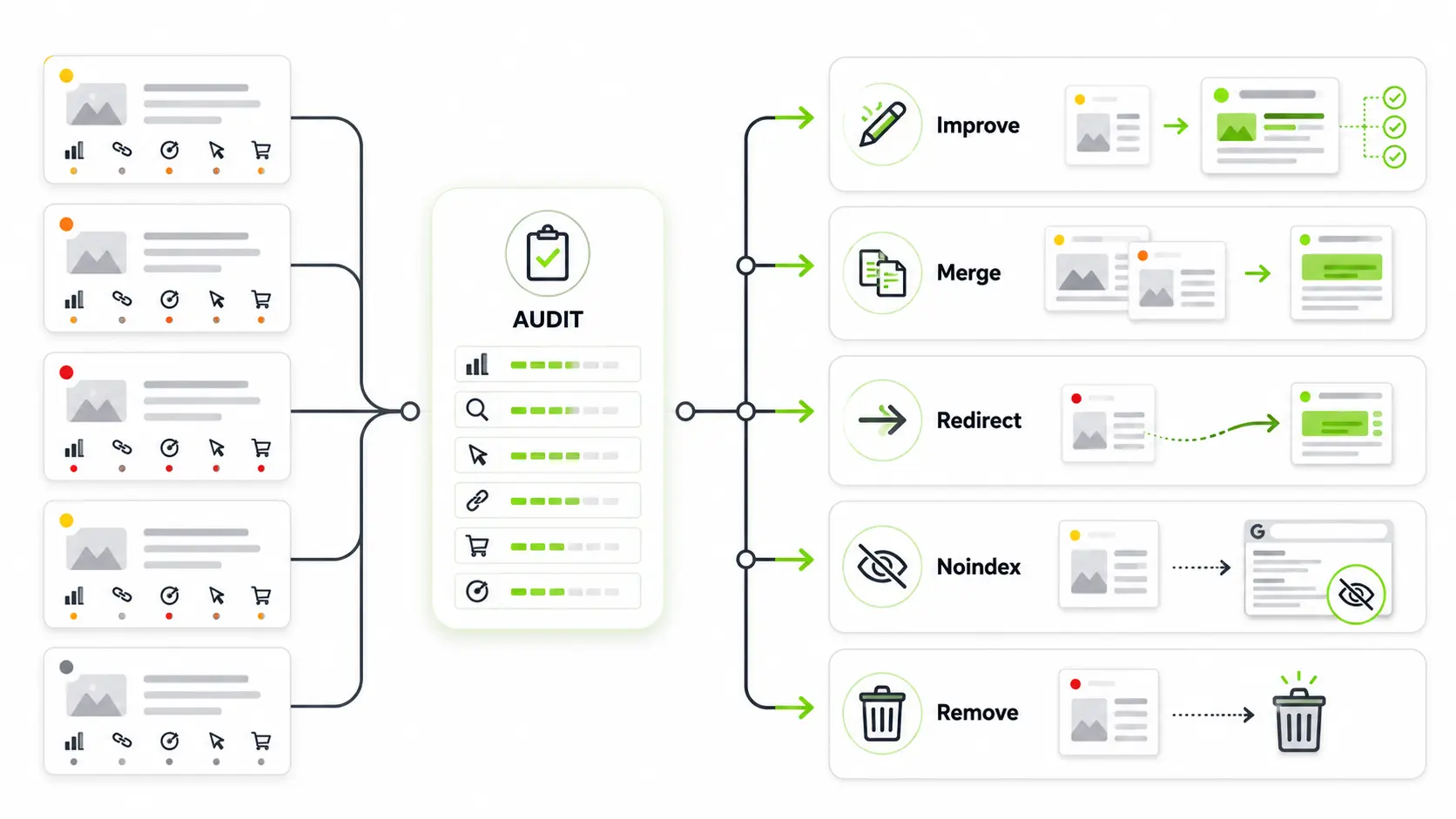
Topic is still useful, URL has ranking potential, or the page supports a business goal. Add missing answers, better structure, original examples, and stronger internal links.
Two or more URLs target the same intent. Keep the strongest URL, combine best content, redirect weaker pages to the improved version.
Page is useful for visitors but not useful in search results — internal search pages, thank-you pages, filtered archives.
No traffic, no backlinks, no conversions, no useful content, and no strategic purpose. Redirect to the closest relevant page if possible.
Common Thin Content SEO Mistakes to Avoid
Thin content cleanup can improve SEO, but careless changes can create new problems. The goal is to improve site quality without removing useful assets.
Final Thoughts
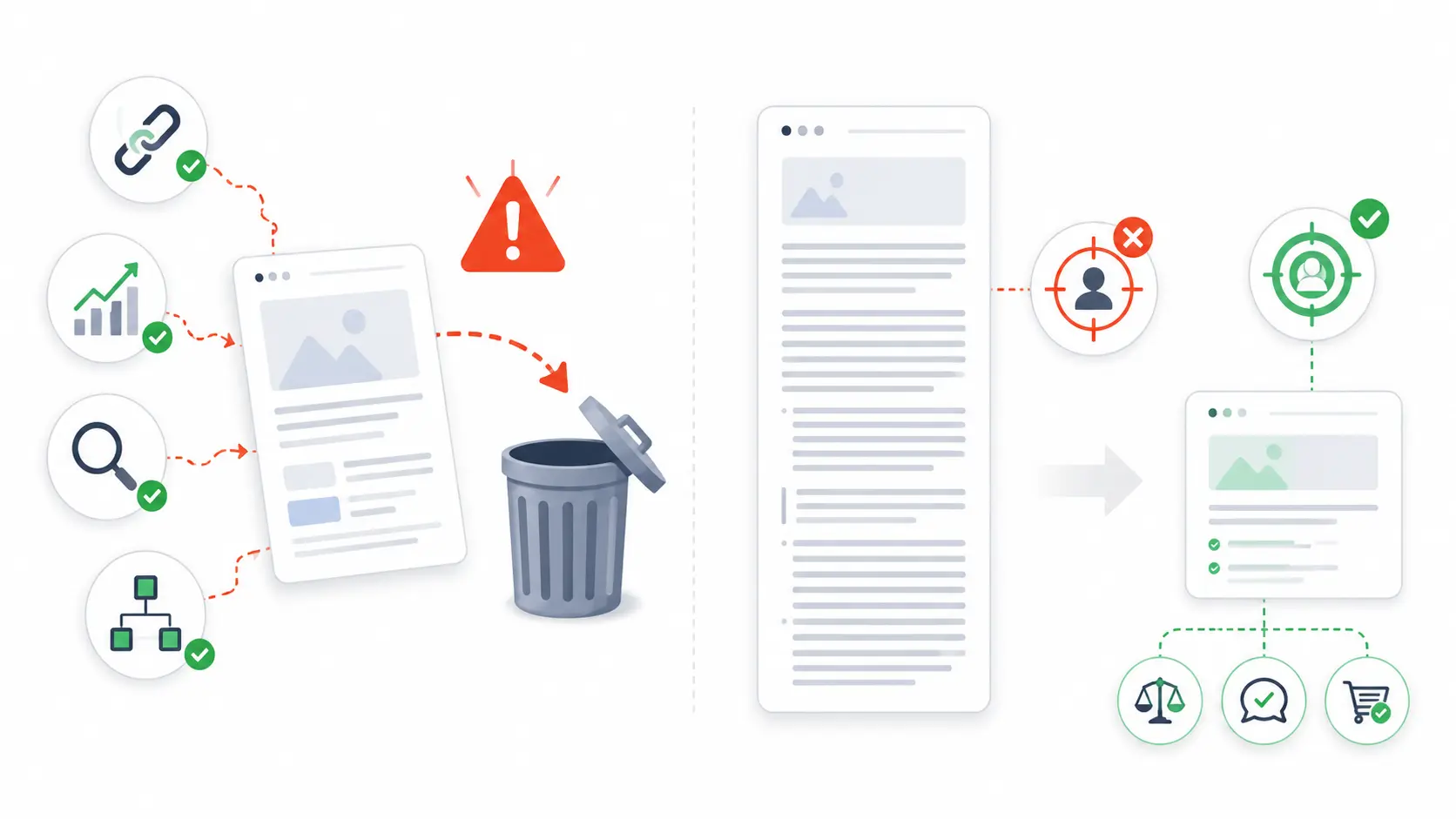
Thin content SEO is about improving website quality, not chasing a perfect word count. A strong page answers search intent clearly, provides original value, uses helpful structure, and guides users to the next useful step.
To fix thin content, start with a content audit. Identify weak pages, check their value, and choose the right action: improve, merge, redirect, noindex, or remove. When handled carefully, thin content SEO can strengthen rankings, improve user experience, and make your website more trustworthy.
Need Help Fixing Thin Content and Improving Your Site Quality?
Get professional content writing support to turn weak, outdated, or thin pages into valuable SEO assets that rank, engage, and convert.
View Content Writing Services →Frequently Asked Questions
Thin content in SEO refers to pages that offer little useful value to visitors. These pages may be too short, duplicate, outdated, poorly written, or unable to answer search intent properly. Thin content can make a website look weaker because search engines may struggle to see why those pages deserve to rank.
You can find thin content pages by running a content audit. Review pages with low traffic, poor rankings, weak engagement, duplicate content, very short word count, or poor search intent alignment. Analytics tools, Google Search Console, and site crawlers can help identify pages that need attention.
You should not delete thin content pages immediately. First, check whether the page has backlinks, traffic, conversions, or useful information. Some pages should be improved, merged, redirected, or noindexed instead. Deleting pages without analysis can cause lost rankings, broken links, or missed SEO opportunities.
You can improve thin content by adding useful information, answering search intent more clearly, updating outdated sections, adding examples, improving headings, strengthening internal links, and removing unnecessary filler. The goal is not only to make the page longer but to make it more helpful and complete.
Yes, thin content can hurt SEO performance when many pages on a website provide little value. It may reduce trust, weaken topical authority, waste crawl attention, and create poor user experience. Fixing thin content pages can help improve overall site quality and support stronger organic performance.