
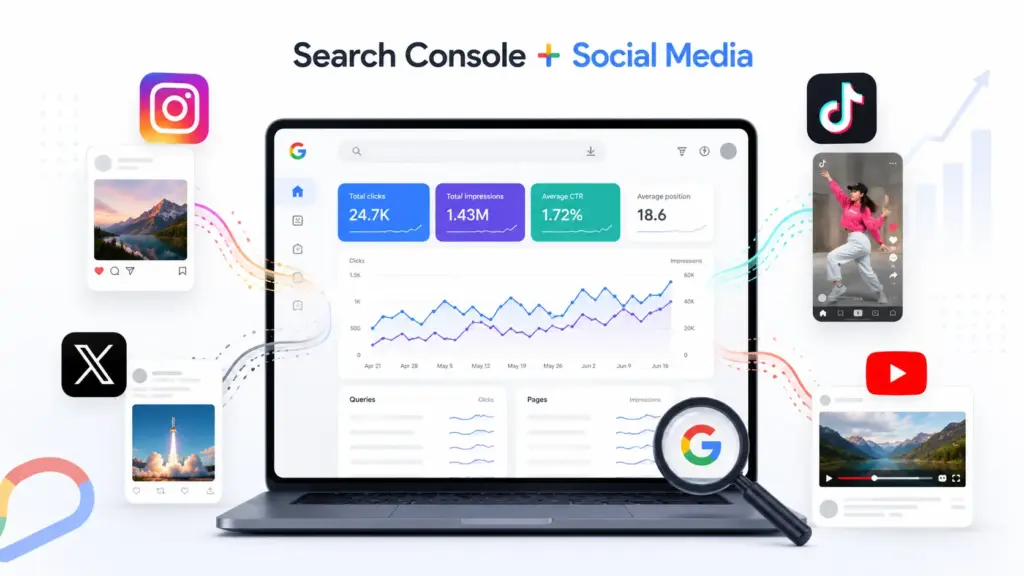
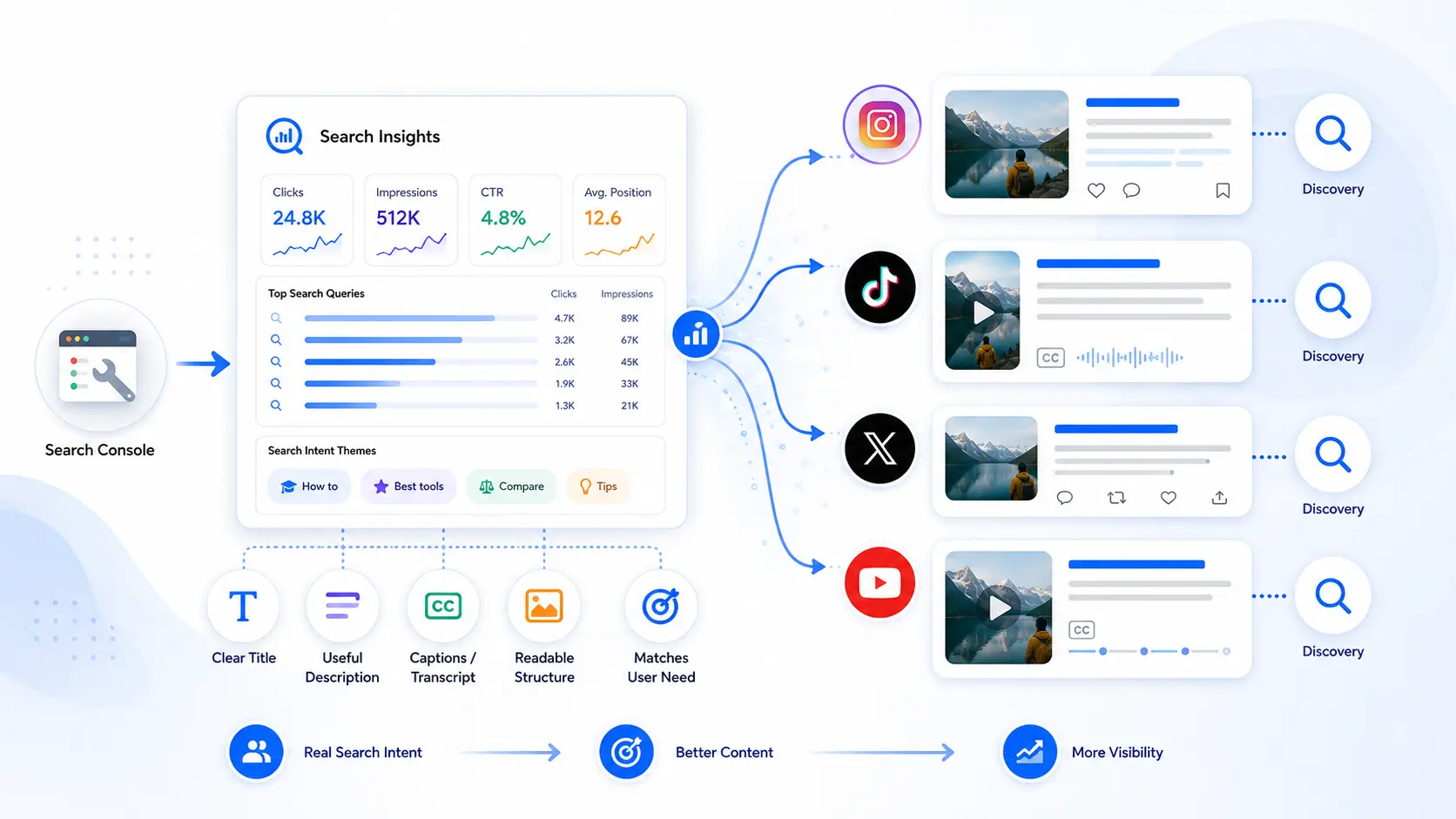
Google Search Console social media tracking lets creators, publishers, marketing teams, and businesses connect eligible Instagram, TikTok, X, and YouTube accounts as separate platform properties to measure how their social content performs in Google Search. Once a profile is verified, Search Console shows Google-based discovery data for that account, search visibility, clicks, queries, content-level performance, and, where available, country and device breakdowns, rather than native social metrics.
The connection does not import every metric from the social network. You will not see Instagram likes, TikTok watch time, X reposts, or YouTube subscriber growth simply because you created a platform property. Instead, the reports focus on how people find posts, videos, and profile pages through Google, which matters as social content increasingly appears in search results beyond the native apps and gives teams visibility that platform analytics alone cannot provide.
To add an account, open the property selector in Search Console, choose the option to add a property, select a supported platform, and complete the authorization process. Each social profile or channel must be connected separately. From there, you can use this setup to understand what platform properties are, track the social search metrics Search Console does and does not provide, avoid common setup mistakes, work around data limitations, and build a clearer social search measurement system.
Why Google Search Console Social Media Tracking Matters
Social posts are no longer confined to their original apps. A video published on TikTok, a YouTube tutorial, an Instagram Reel or a public post on X can appear when someone searches for a product, problem, person, brand or how-to topic.
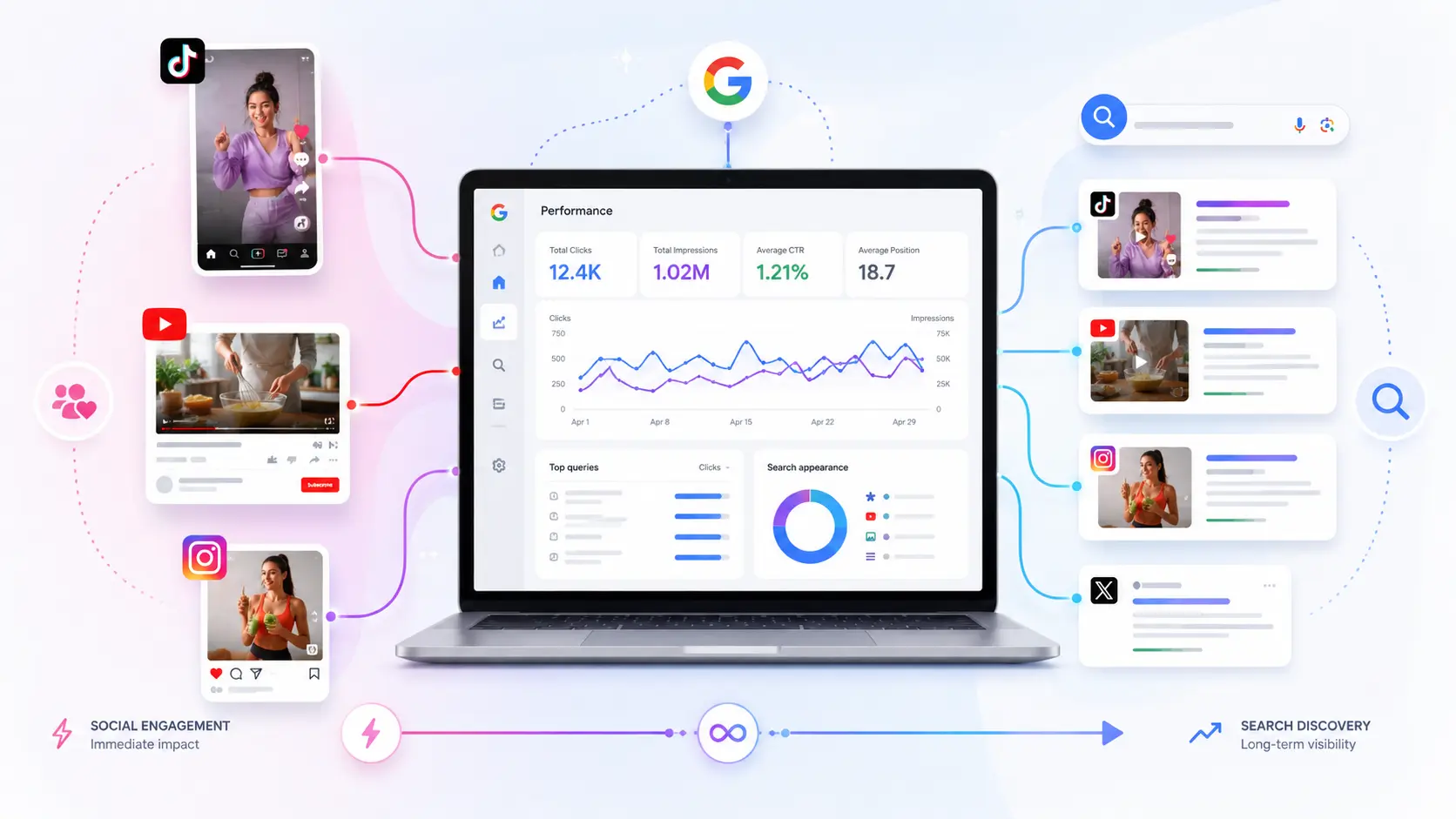
That changes the role of social content. A post can generate immediate engagement in a platform feed and continue attracting search visibility after the initial social response has faded. For creators and businesses, the same asset may now serve two audiences: people browsing inside the social network and people expressing intent through Google.
Google Search Console social media reporting is designed to reveal the second audience.
Social Content Is Becoming Searchable Content
Search behavior has become more format-diverse. A person looking for instructions may prefer a short video. Someone researching a destination may want first-hand clips. A buyer comparing products may look for demonstrations, reviews or creator reactions.
Google can surface social and video pages when those pages appear relevant to the query. That means social content should not be treated as disposable material that loses all value after a few days.
A useful Instagram carousel can answer a recurring question. A TikTok demonstration can satisfy a specific how-to query. A YouTube video can rank for months or years. A detailed X thread may appear for a timely subject or a branded search.
Platform properties make this search visibility easier to isolate and review.
What the Integration Does and Does Not Measure
The integration measures how supported social content performs through Google's search ecosystem. It is not a replacement for native platform analytics.
Search Console helps you evaluate questions such as:
- Which Google queries lead people to your social content?
- Which posts, videos or profile pages receive search impressions?
- How many users click from Google to that content?
- Which countries generate the strongest search visibility?
- Are mobile or desktop users more likely to discover the content?
- Is search interest increasing or declining over time?
Native analytics answer different questions. Instagram Insights may show reach, saves and profile actions. TikTok Analytics may show average watch time and traffic sources inside TikTok. YouTube Studio provides retention, subscribers and viewing behavior. X Analytics focuses on impressions and engagement within X.
Use both data sources. Search Console explains external Google discovery, while native tools explain what happens within the platform.
What Are Search Console Platform Properties?
Search Console platform properties are individual properties created for supported third-party social or video accounts. Instead of verifying a domain or URL path, the account owner authorizes a Search Console account to associate the selected profile or channel — platform properties work inside Search Console without requiring a website property.
The resulting reports focus on the connected platform account's presence in Google. This means you can use Search Console without owning a website now.
Platform Properties Versus Website Properties
A website property usually represents a domain, subdomain or URL prefix that you control. It can provide data about indexing, search performance, pages, enhancements and technical issues affecting the website.
A platform property represents an account hosted on another service. You control the profile or channel, but you do not control the platform's domain, crawling rules or technical infrastructure.
This distinction affects what you can manage. It also gives you a platform-specific view of the connected account's Google visibility, separate from website-property reporting.
With a website property, you may be able to:
- Submit sitemaps
- Inspect individual URLs
- Diagnose indexing problems
- Review structured data reports
- Manage removals
- Investigate crawl behavior
- Improve technical page elements
With social platform properties, your control is narrower. You can review Google visibility and use the findings to improve your publishing strategy, but you cannot fix the host platform's technical SEO settings.
Search Console platform properties should therefore be viewed as performance-reporting assets rather than full technical SEO properties.
Supported Social and Video Platforms
The platform-property connection supports Instagram, TikTok, X, and YouTube.
A separate property is needed for every account or channel you want to monitor. If a company manages two Instagram profiles and three YouTube channels, it should expect to verify five properties rather than combining them automatically.
The same principle applies when an agency manages client accounts. Access should be organized carefully so that only authorized users can connect, review or manage each property.
A platform connection may also require periodic reauthentication. If the authorization expires or the account relationship changes, reporting access can pause until ownership is confirmed again.
How to Add Instagram, TikTok, X or YouTube to Google Search Console
The setup is similar across the four supported platforms. The exact authorization screens can differ because each network controls its own login and permission flow.
Prepare Your Account Before Connecting
Before starting, confirm that you can log in to the correct social profile or channel. Being able to view an account publicly is not enough. You need the authorization required to prove that you manage it.
Complete these checks first:
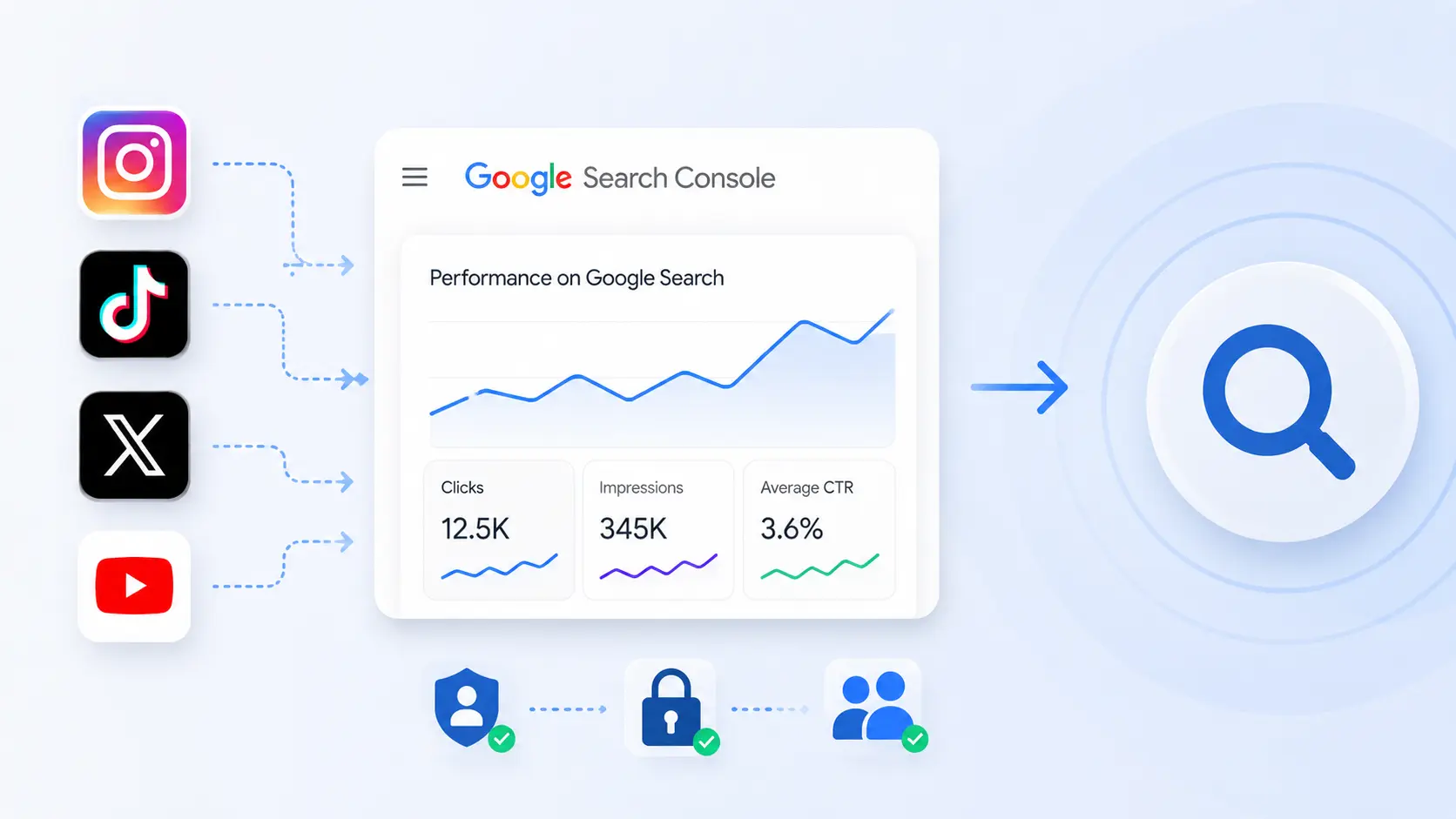
Avoid connecting an account through an employee's temporary personal login when the property belongs to a company. A business-controlled Google account and documented access process reduce problems when staff or agencies change.
Step-by-Step Connection Process
To add a supported social account:
- Open Google Search Console.
- Select the property drop-down near the top of the interface.
- Choose Add property.
- Find the available platform-property options.
- Select Instagram, TikTok, X or YouTube.
- Sign in to the relevant platform when prompted.
- Review the permissions being requested.
- Authorize the connection.
- Complete any additional ownership-verification steps.
- Open the newly created property after confirmation.
The new property may not appear in every account immediately, and broader availability can roll out over the coming weeks before full reporting populates. New properties need time to collect and display eligible performance data.
Repeat the process for every additional profile or channel. Connecting Instagram does not automatically connect a related YouTube account, even when both belong to the same person or organization.
Google Search Console Instagram Setup
Google Search Console Instagram reporting is useful for brands and creators whose public posts, Reels or profile pages appear for relevant searches.
The setup is straightforward, but the account selected during authorization matters. People who manage multiple profiles can easily approve the wrong one if they are already logged in elsewhere.
Connecting the Correct Instagram Account
Start by signing out of unrelated Instagram accounts or confirming which profile is active. Then open the Search Console property selector and begin the platform-property process.
Select Instagram and follow the authorization screens. Review the profile name carefully before approving access.
After verification, label the property clearly in internal reports. A naming structure such as "Brand – Instagram – Main Account" makes multi-property dashboards easier to manage.
Google Search Console Instagram data can then help you identify content that earns search exposure outside the Instagram app. For example, a Reel explaining a recurring problem may attract Google impressions even when its native reach has stabilized.
Resolving Ownership and Authentication Issues
A failed connection usually relates to access, authentication or account-selection problems rather than content quality.
Check the following:
- You authorized the intended Instagram profile.
- Your platform role has sufficient permissions.
- Pop-ups and third-party login windows are allowed.
- Two-factor authentication was completed.
- The connection has not expired.
- The account has not changed ownership or management roles.
- The Search Console user still has access to the relevant Google account.
When authorization expires, reconnecting the property may restore access to the existing reporting history. Avoid creating duplicate properties until you have confirmed that reauthentication cannot resolve the issue.
Similar checks apply to TikTok, X and YouTube.
How to Track Social Media Performance on Google
The central value of Google Search Console social media reporting is its ability to show demand-led discovery. A native platform feed is influenced heavily by recommendations, followers and engagement behavior. Google Search begins with a query or information need.
That difference makes the data useful for SEO planning.
Which Social Media Performance Metrics Can You Track?
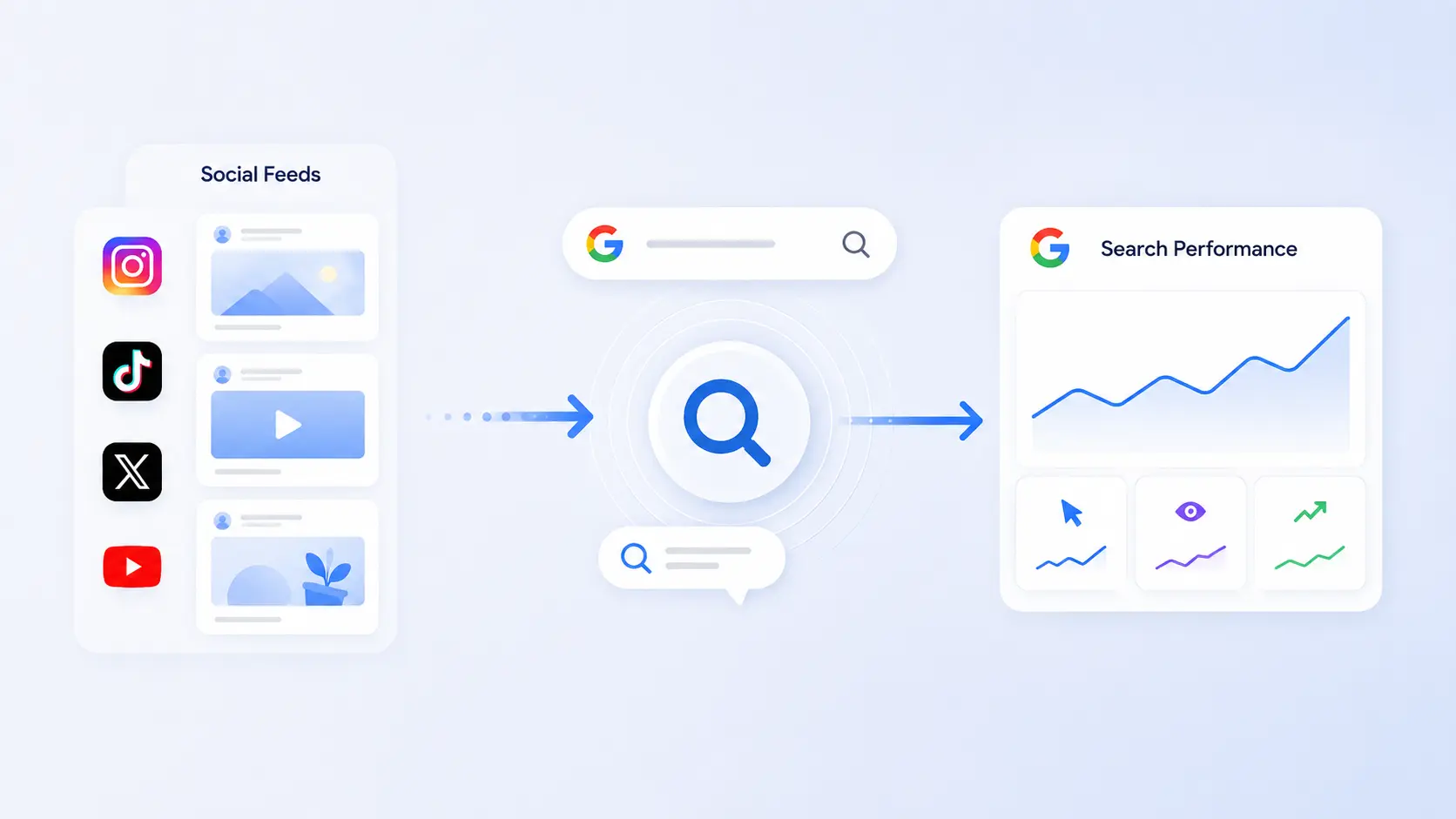
Available reporting can include the familiar search-performance dimensions and a performance report showing how social and video content appears in Google, including how YouTube content performs alongside other connected platform content, with related metrics such as total clicks associated with content visibility, such as:
- Impressions: the number of times eligible content appeared in Google results
- Clicks: visits from Google to the connected platform content
- Click-through rate: the percentage of impressions that produced clicks
- Average position: an aggregated indication of where content appeared
- Queries: search terms associated with impressions or clicks
- Content or pages: individual social URLs, videos, posts or profile destinations
- Countries: locations where search visibility occurred
- Devices: mobile, desktop or tablet performance where reported
- Dates: changes in performance across selected periods
You can filter and sort data in the performance report to identify top performing posts and content generating the most traffic.
The exact dimensions available can vary by report, platform, content type and data volume. Privacy thresholds may also limit highly granular query reporting.
These metrics do not represent total social performance. An impression in Search Console is not the same as an Instagram impression or a TikTok video view. It means the content appeared on an eligible Google surface.
Reading Queries, Content, Countries and Devices
Begin with queries. They reveal the language people use when Google associates your content with a need.
Group the queries into practical categories:
- Branded queries contain your company, product, channel or creator name — strong branded visibility indicates that people already know what they want to find
- Non-branded informational queries describe a problem or question — these are often the best source of new content opportunities
- Commercial queries include comparison, review, price, best, alternative or purchase-oriented language, indicating stronger business intent
- Navigational queries suggest that the searcher wants a specific profile, channel, post or video
Next, review individual content URLs. A high-impression post with a low click-through rate may need a clearer title, opening text, thumbnail or content description. A post receiving clicks from several related queries may deserve a longer follow-up video or supporting website article.
Country and device data add context. A topic attracting international traffic may need localization. Content with overwhelmingly mobile visibility should communicate its value clearly on a small screen and avoid tiny on-image text.
Google Search Console Social Media Reporting Workflow
Collecting data is only useful when it changes a decision. A repeatable reporting process prevents teams from treating the platform property as another dashboard they open without taking action.
Find Content Opportunities From Search Demand
Use a monthly or four-week review cycle, using the insights report and its default date range of 28 days as your baseline. Shorter periods can be noisy, especially for accounts with limited Google visibility.
During each review:
Suppose a TikTok video about fixing a common software error begins receiving impressions for several variations of the same question. The next step might be a more complete YouTube tutorial, an updated TikTok, an Instagram carousel and a supporting website guide.
This is where social search reporting becomes a content-development system rather than a vanity report.
Compare Social Visibility With Website Visibility
A connected social account and a website property can reveal different paths into the same topic.
Website pages may perform best for detailed explanations, definitions, service pages and evergreen resources. Social videos may perform better for demonstrations, reactions, comparisons and quick solutions, while X and YouTube content can be evaluated alongside other social formats when comparing social visibility with website visibility.
Review both rather than forcing every query toward the same format.
Teams building a broader measurement stack can use a guide to the best SEO tools for research, auditing and reporting to decide which tasks should remain in Search Console and which require additional software.
For content ideation, clustering or workflow automation, a comparison of the best AI SEO tools for content teams can help extend the query findings into briefs and production plans. The platform-property data should remain the evidence source, while other tools support analysis and execution.
What Search Console Cannot Tell You
Search Console is valuable precisely because it isolates Google discovery. That specialization also creates clear limits.
Native Engagement Remains Separate
Search Console does not become a complete social analytics suite when you add a platform property.
Do not expect it to replace metrics such as:
- Likes or reactions
- Comments
- Saves
- Shares or reposts
- Followers gained
- Subscriber growth
- Video completion rate
- Average watch time
- Audience retention
- Profile actions inside the app
- Revenue generated by native monetization
- Reach from recommendation feeds
A person may click a YouTube result from Google and then watch several videos. Search Console can help identify the initial Google click, but YouTube Studio is better suited to analyzing the subsequent viewing session.
Similarly, an Instagram Reel may earn thousands of in-app views while receiving few Google impressions. That does not mean the Reel failed. It means the content performed primarily through Instagram's own distribution system.
Attribution and Reporting Limitations
Search Console should not be treated as a complete conversion-attribution platform.
A user might discover a video through Google, remember the brand and convert days later through another channel. The original search click may contribute value without receiving full credit in a simple last-click report.
Reported queries can also be incomplete because of privacy protections and data thresholds. Average position is aggregated and should not be interpreted as a fixed daily ranking. Search results vary by location, device, context and result format.
Data differences between tools are normal. Search Console, native social analytics and web analytics measure different events using different processing rules.
The goal is not to force every dashboard to show matching numbers. The goal is to understand what each system measures and use it for the appropriate decision.
What Works: Using Platform Data to Improve Social SEO
Social SEO is not simply placing keywords in captions. It involves matching the subject, format and wording of a post to a real information need.
Search Console supplies evidence about that need after content begins appearing in Google.
Optimize Posts for Search Discovery
Start with clarity. A vague title may work for existing followers who understand the context, but it gives a search engine and an unfamiliar user less information. Describe the problem, topic or result directly.
For video content:
- State the main subject early
- Use a specific, readable title
- Write a useful description
- Add accurate captions or transcripts where supported
- Use clear thumbnail text sparingly
- Keep the profile identity consistent
- Mention important entities, products or locations naturally
- Answer the central question without unnecessary delay
For text-led posts:
- Lead with the core idea
- Use descriptive wording instead of unexplained hooks
- Break complex explanations into readable sections
- Include examples that make the answer distinctive
- Update or republish material when the facts change
- Link to a deeper resource when the platform permits it
A caption written only to trigger curiosity may generate feed engagement while performing poorly in search. A descriptive caption can serve both audiences when it remains natural and compelling.
Choose Topics With Durable Demand
Not every post needs to target an evergreen query. Timely commentary, community updates and creative experiments still matter.
However, a balanced content strategy benefits from durable topics that people continue to search for.
Look for patterns in Search Console:
- The same question appears across several query variations
- An older post continues earning impressions
- Search interest returns during a predictable season
- A comparison query grows as a market changes
- Users repeatedly search for a process that your content demonstrates
- A branded query suggests confusion about a product or service
Turn these patterns into reusable content assets. One useful framework is to create a content ladder:
- A short social post introduces the answer
- A longer video demonstrates the process
- A website article explains the details
- A follow-up post addresses a common mistake
- An FAQ page answers related questions
- Updated versions respond to product or market changes
This approach avoids copying the same text across channels. Each asset performs a different job while covering the same underlying search need.
Trade-offs and Common Mistakes
Platform properties improve visibility, but they can create misleading conclusions when the data is viewed without context.
Next Steps: Build a Social Search Measurement System
Begin with the accounts most likely to appear in search. For many organizations, that means the main YouTube channel, public Instagram profile and any TikTok account publishing educational content.
Connect each account as a separate property and allow time for reporting to populate.
Then create a lightweight monthly review:
- Record total Google impressions and total clicks.
- Review recent traffic trends.
- Use the performance report to review top-performing posts.
- Flag high-impression, low-click opportunities.
- Compare social findings with website Search Console data.
- Select two or three content actions.
- Document changes before the next review.
Avoid building a complicated dashboard before you know which information affects decisions. A simple spreadsheet with the query, platform, content URL, observation, proposed action and outcome is enough to start.
After several months, patterns will become clearer. You may find that YouTube drives durable informational discovery, Instagram performs for visual inspiration, TikTok gains visibility for quick demonstrations and X appears around news-led or expert commentary.
Those patterns should influence topic selection without becoming rigid rules. Search visibility depends on the quality and relevance of each individual asset.
Frequently Asked Questions
Open Search Console, use the property-selector drop-down and choose Add property. Select the relevant supported platform, sign in to the account and complete the authorization process. Repeat the process for each profile or channel because multiple social accounts are not automatically combined into one property.
Platform properties are Search Console properties connected to accounts hosted on supported social and video networks. They let account owners review how eligible posts, videos and profile pages perform through Google, without providing full technical controls such as sitemap submission or website indexing management. Platform properties work without a website because the supported account itself is the verified property.
You can track impressions, clicks, click-through rate, average position, search queries, content URLs, countries, devices and date trends where the data is available, and filter or sort it to find top-performing posts. These metrics describe discovery through Google and do not replace native measurements such as likes, shares, comments, followers, watch time, completion rate or in-app reach.
No. Search Console shows eligible visibility and clicks generated through Google rather than every view delivered inside Instagram or TikTok. Use the platform's native analytics for feed reach, video views, audience retention and engagement.
A website property and a social platform property are separate. A creator may connect an eligible supported account to examine its Google performance without using the property as a website-management tool. A website is still valuable when you need full control over evergreen content, conversion paths, structured data, internal linking and technical SEO.