
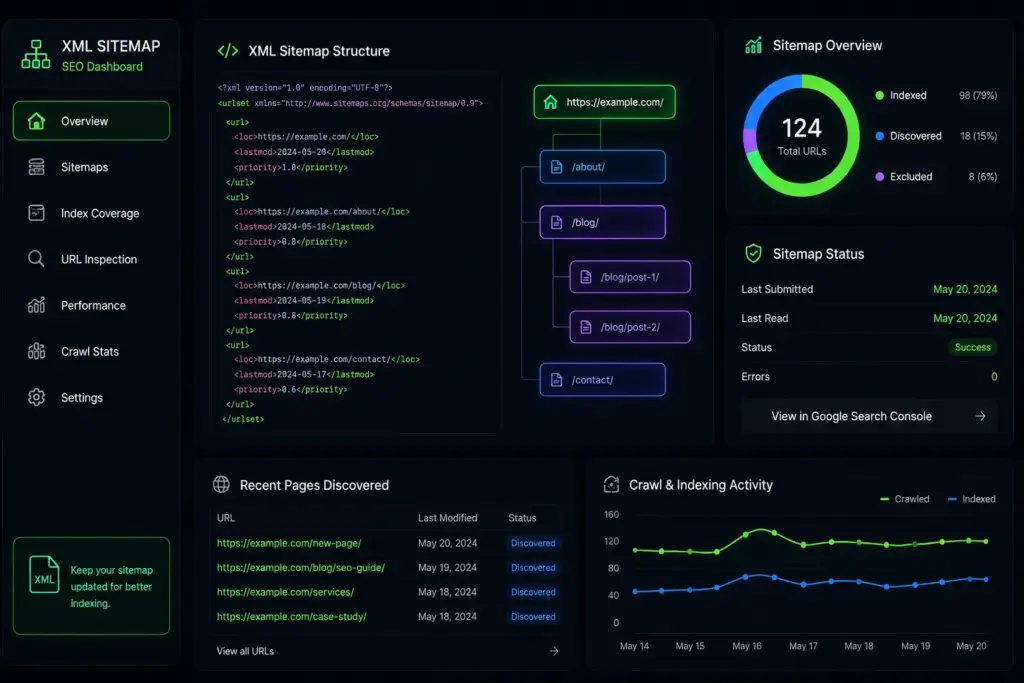
An XML sitemap is a file that lists the important URLs on your website so search engines can discover, crawl, and understand them more efficiently. It does not guarantee that every page will be indexed, but it helps search engines find the pages that matter most.
XML sitemap SEO is especially useful for new websites, large websites, eCommerce stores, blogs with many posts, multilingual websites, and sites with complex structures. When your sitemap is clean, updated, and focused on valuable pages, it supports better crawl discovery and stronger technical SEO organization.
What Is an XML Sitemap?
How an XML Sitemap Works
An XML sitemap is a structured file that shows search engines which URLs are important on your website. Search engines use this file as a discovery guide — instead of relying only on internal links, crawlers can review the sitemap to find important pages faster. This is helpful when some pages are buried deep in the site structure or not strongly linked from other pages.
A sitemap works best when it includes only clean, indexable, canonical URLs. It should not be treated as a storage place for every page on your website.
XML Sitemap vs HTML Sitemap
| Type | Built For | Main Purpose |
|---|---|---|
| XML Sitemap | Search engines | Helps crawlers discover and understand important URLs |
| HTML Sitemap | Website visitors | Helps users navigate the website and find key sections |
Why XML Sitemap SEO Is Important
How XML Sitemap SEO Helps Indexing
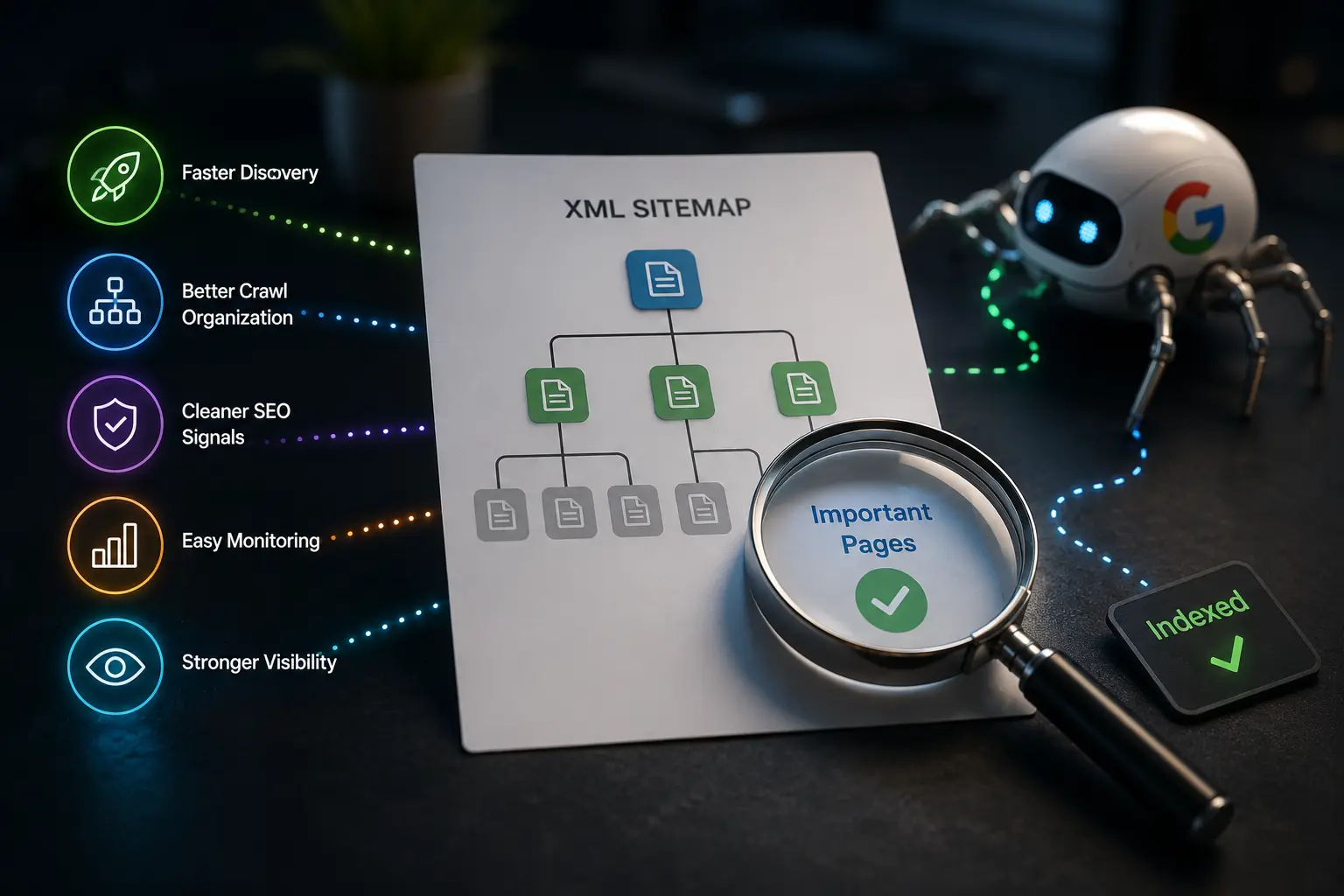
XML sitemap SEO helps search engines find your most important pages more easily. This matters because search engines may not discover every page through links alone, especially on websites with weak internal linking or thousands of URLs. A well-optimized sitemap can help with:
- Faster discovery of new pages
- Better crawl organization
- Cleaner technical SEO signals
- Easier monitoring in Google Search Console
- Stronger visibility for important content
A sitemap does not replace good content, internal linking, or a crawlable website structure. It supports indexing — it does not force Google to index low-quality or duplicate pages.
When Your Website Needs an XML Sitemap Most
A sitemap is useful for most websites, but it becomes more important when your site has crawl discovery challenges. Your website needs one most when it is:
- New and has few backlinks
- Large with many pages or an eCommerce store
- A blog with many posts and categories
- Poorly connected through internal links
- Rich in images, videos, or media files
- Multilingual or multi-regional
- Recently redesigned or migrated
How to Create an XML Sitemap for Your Website
How to Create an XML Sitemap in WordPress
If you use WordPress, the easiest way to create a sitemap is through an SEO plugin. Tools such as Rank Math or Yoast SEO can generate sitemap files automatically. In most cases, the plugin will create separate sitemap sections for posts, pages, categories, products, and other content types.
When creating your XML sitemap in WordPress, do not stop after turning the feature on. Review what the plugin includes — remove low-value content types, noindex pages, duplicate archives, and unnecessary taxonomies if they do not support organic search.
XML Sitemap Tools for Non-WordPress Websites
Non-WordPress websites can create sitemaps in several ways. Some content management systems include built-in sitemap settings. Others may require a sitemap generator, developer-created file, or custom automation. For static websites, a sitemap can be created manually or generated through a crawling tool. For large dynamic websites, developers often create automated sitemap systems that update when pages are added, removed, or changed.

The key is accuracy. Your sitemap should reflect the live, indexable, important pages on your website — not a cached list of old or deleted URLs.
How to Submit XML Sitemap to Google
Submit XML Sitemap to Google Search Console
To submit your XML sitemap to Google, use Google Search Console. Follow these steps:
Common sitemap URLs look like this:
https://example.com/sitemap_index.xml
How to Check If Google Can Read Your Sitemap
Submitting the sitemap is not the final step. Review the sitemap report in Search Console and look for:
- Sitemap status and submitted vs discovered URLs
- Blocked or redirected URLs
- Non-indexable pages and 404 errors
- Server errors and pages excluded by robots.txt
If Google finds many errors, the sitemap may be sending mixed signals. A clean file helps search engines focus on the pages that deserve crawling and indexing.
What Pages Should Be Included or Excluded?
A good rule is simple: include pages you actually want people to find from search results. Exclude anything that is not indexable, not valuable, or creates duplication.
- Homepage
- Main service pages
- Blog posts
- Product pages
- Category pages with SEO value
- Location pages
- Landing pages
- Important evergreen content
- Main resource pages
- Admin and login pages
- Thank-you pages
- Noindex pages
- Duplicate pages
- Internal search result pages
- Filter and parameter URLs
- Thin or low-value pages
- Redirected URLs
- 404 pages and test pages
Your sitemap should not be a full list of everything your website generates. It should be a curated list of search-worthy URLs.
XML Sitemap Best Practices for Better Indexing
Keep Your XML Sitemap Clean and Updated
The best sitemap is clean, current, and selective. Only include URLs that are live, indexable, canonical, and useful. Avoid adding every URL automatically without reviewing content quality — tag archives, filtered product URLs, duplicate category pages, and thin pages may not deserve inclusion.
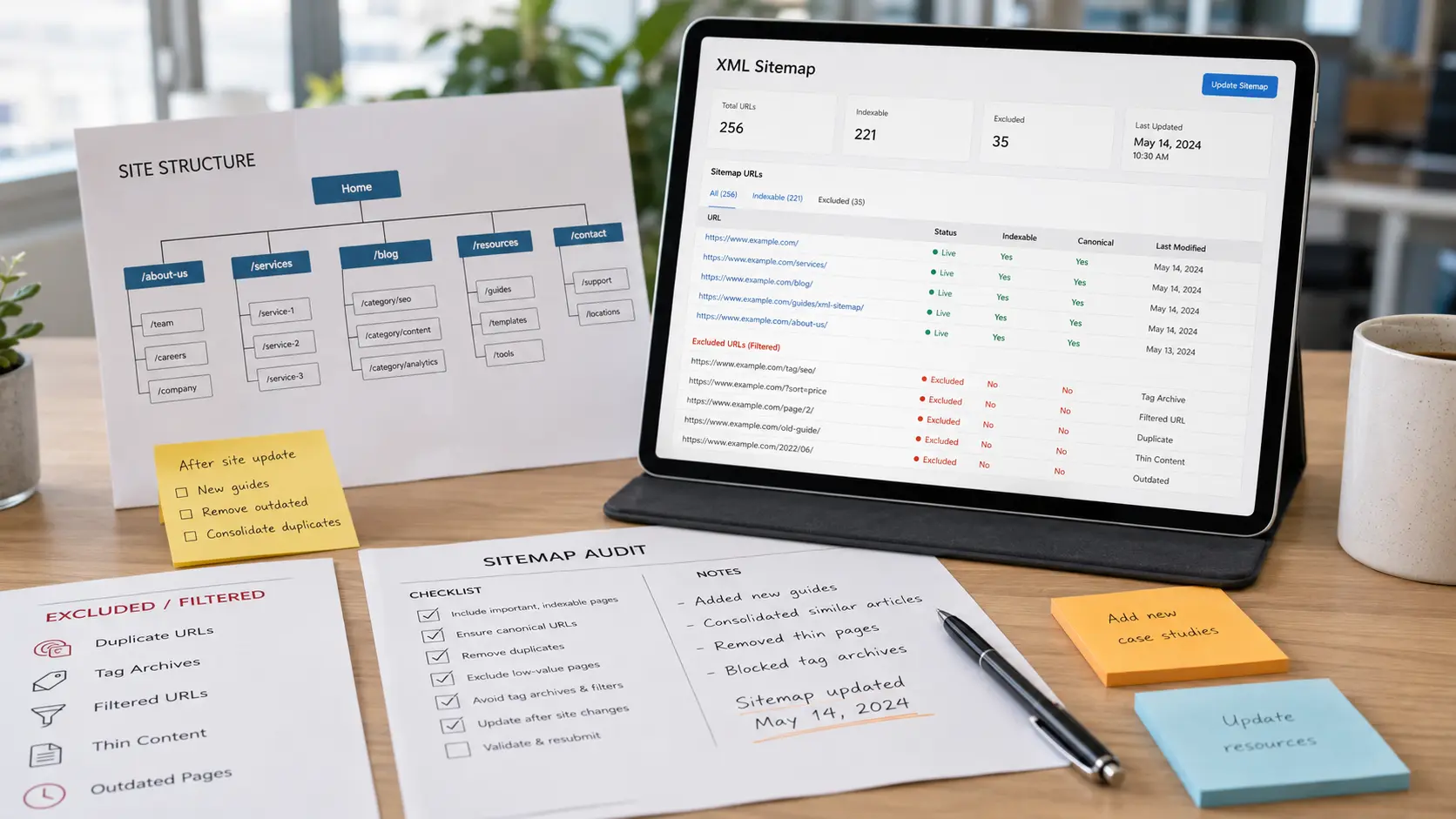
Update the sitemap whenever you publish new content, delete pages, change URLs, prune old content, migrate your site, or redesign major sections.
Connect Your XML Sitemap with Robots.txt
Your XML sitemap should work together with your WordPress robots.txt file — robots.txt can guide crawler behavior while the sitemap highlights the URLs you want search engines to discover. However, do not use robots.txt to block important pages listed in your sitemap. That creates mixed signals.
A simple sitemap reference in robots.txt looks like this:
This gives crawlers another way to find the sitemap file and strengthens the overall crawl signal.
Common XML Sitemap Mistakes to Avoid
Adding Noindex or Redirected URLs
One common mistake is including noindex pages in the sitemap. If a page is marked noindex, you are telling search engines not to index it — adding the same page to the sitemap sends an unclear message. Redirected URLs are another issue: your sitemap should list the final destination URL, not the old redirected version.
| Mistake | Why It Causes Problems |
|---|---|
| Noindex pages in sitemap | Sends conflicting signals to search engines |
| Redirected URLs in sitemap | Wastes crawl budget on old or changed locations |
| Broken or 404 URLs | Creates crawl errors and reduces sitemap quality |
| Canonicalized duplicates | Adds pages that point away from themselves |
| Low-value or thin content | Dilutes the sitemap and reduces trust signals |
Forgetting to Update the Sitemap After Website Changes
A sitemap should change when your website changes. Review it after website redesigns, domain migrations, URL structure updates, deleted pages, content pruning, product removals, category changes, and new service pages. If your sitemap still includes old URLs, broken links, or removed pages, search engines may waste crawl attention on content that no longer matters.
Final XML Sitemap SEO Checklist
- Main pages, blog posts, and landing pages are included
- Noindex pages are excluded
- Redirected URLs are excluded
- 404 pages are removed
- Duplicate URLs are avoided
- Canonical URLs are used throughout
- Sitemap is submitted to Google Search Console
- Sitemap URL is linked in robots.txt
- Sitemap is updated after major website changes
- Only valuable, indexable pages are included
- Thin content is removed
- Important pages are internally linked
When to Review Your XML Sitemap
Review your sitemap at least a few times per year, especially after major website updates. You should also check it when traffic drops, pages stop appearing in search, or Google Search Console reports sitemap errors.
An XML sitemap is only one part of a complete technical SEO service — indexing also depends on crawlability, internal linking, canonical tags, page speed, redirects, and website structure.
An XML sitemap is not a ranking shortcut. When it includes the right URLs, excludes the wrong ones, and stays updated, it helps search engines discover your important pages with less friction.
Need Help With Your Technical SEO?
Get professional technical SEO support to improve crawlability, fix indexing issues, and build a clean site structure that search engines can understand.
View Technical SEO Services →Frequently Asked Questions
An XML sitemap is a file that lists important URLs on your website for search engines. It helps crawlers discover pages more efficiently, especially when a site is large, new, or not strongly connected through internal links. While it does not guarantee indexing, it supports better crawl discovery and technical SEO organization.
You can create an XML sitemap using an SEO plugin, CMS feature, online sitemap generator, or custom development setup. For WordPress websites, plugins like Rank Math or Yoast SEO can generate sitemaps automatically. After creating it, review the sitemap to make sure it only includes valuable, indexable, canonical pages.
To submit an XML sitemap to Google, open Google Search Console, choose your website property, go to the Sitemaps section, enter your sitemap URL, and click submit. After submission, check the status to see whether Google discovered the file successfully or found errors that need fixing.
Your sitemap should not include noindex pages, duplicate URLs, redirected pages, broken pages, login pages, admin pages, internal search results, or thin content. It should focus on pages that are useful, indexable, canonical, and important for organic search visibility.
A sitemap does not directly increase rankings by itself. However, it can improve crawl discovery and help search engines find important pages faster. This supports SEO performance indirectly, especially when combined with strong internal linking, clean site architecture, optimized content, and proper technical SEO.